Capture the spark.
Put it
in the
box.
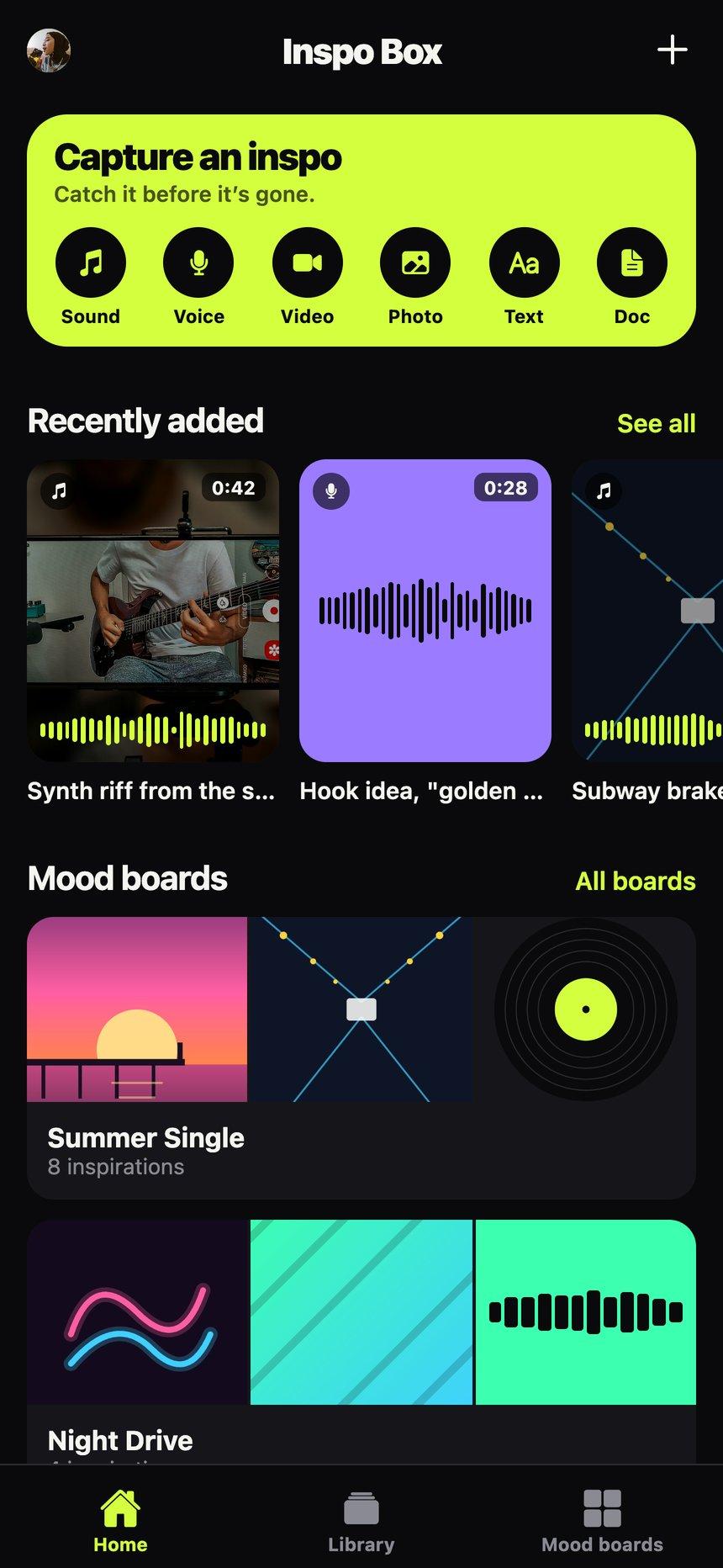
A sound on the subway. A hook you hummed in the car. The color of the sky at the pier. Capture every spark, mark the exact part that inspired you, and pin it all to mood boards. No more digging for it when it's time to create.
Free on iPhone and the web. Best on iPhone, so you can catch it the second it hits.
Take a look
See it in action.
Capture
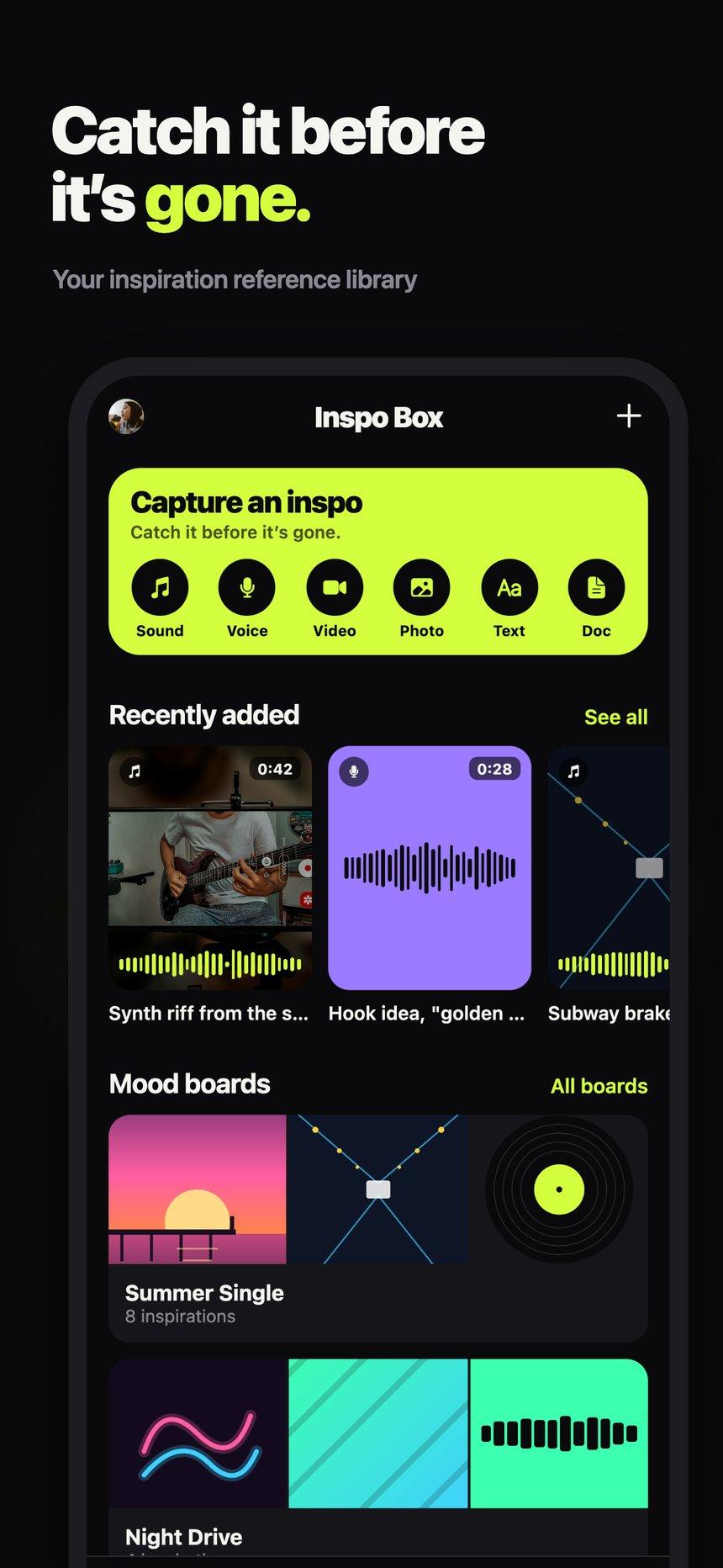
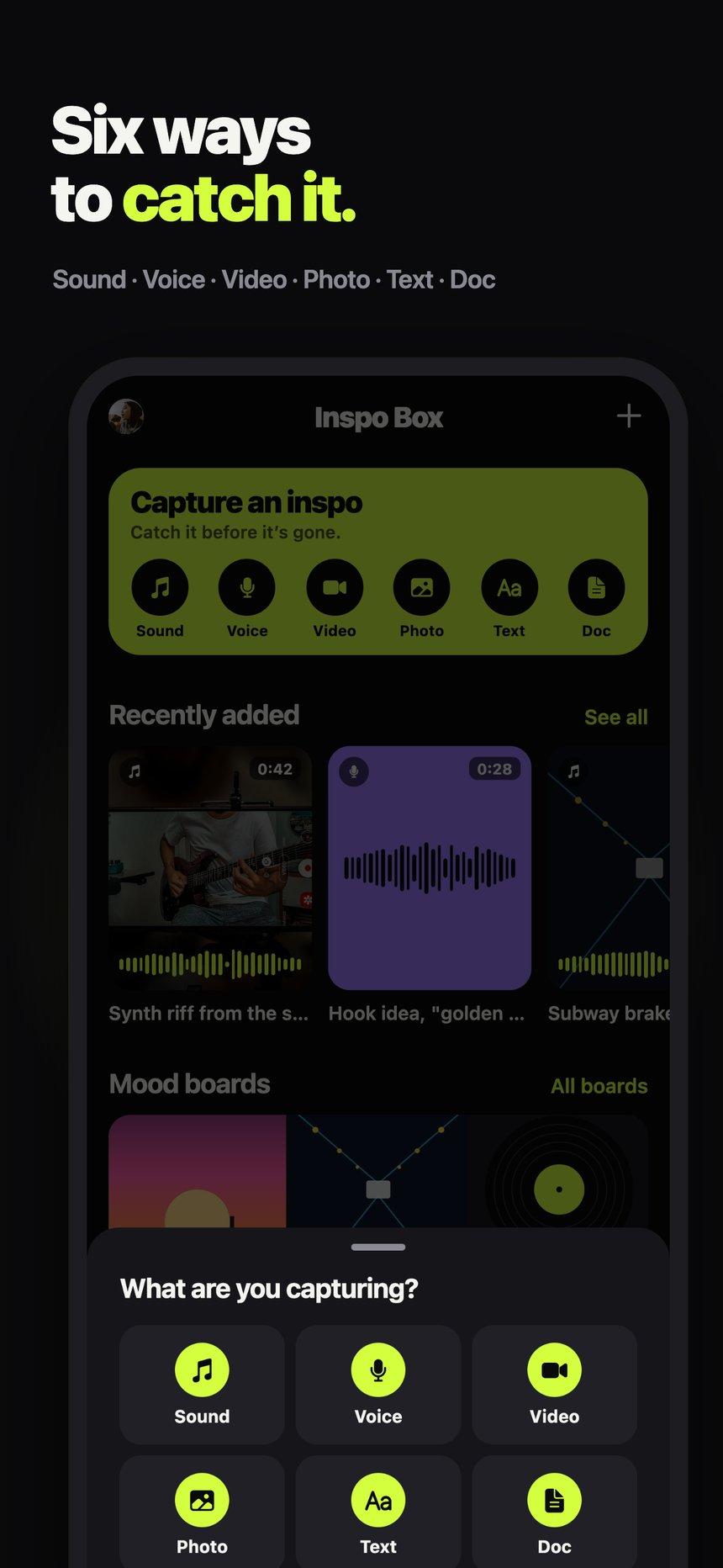
Six ways to capture inspiration.
Capture it on the spot, or upload from your phone or computer. Tap a type under Capture an inspo and you're rolling.
Sound
Record the room around you, upload an audio file, or add a YouTube, SoundCloud or Spotify link.
Voice
Hum the melody or talk through the idea. Record it on the spot, or upload a voice memo.
Video
Record a clip, pick one from your camera roll, or paste a YouTube link and mark the part you love.
Photo
Take a photo or pick one from your camera roll. A color, a texture, a place, a cover.
Text
Lyrics, phrases, something overheard. Jot it down and it lands on its own color card.
Doc
Upload lyric sheets, chord charts and session notes so they live next to the sounds.
Mark the moment
Not just the clip.
The part that hit.
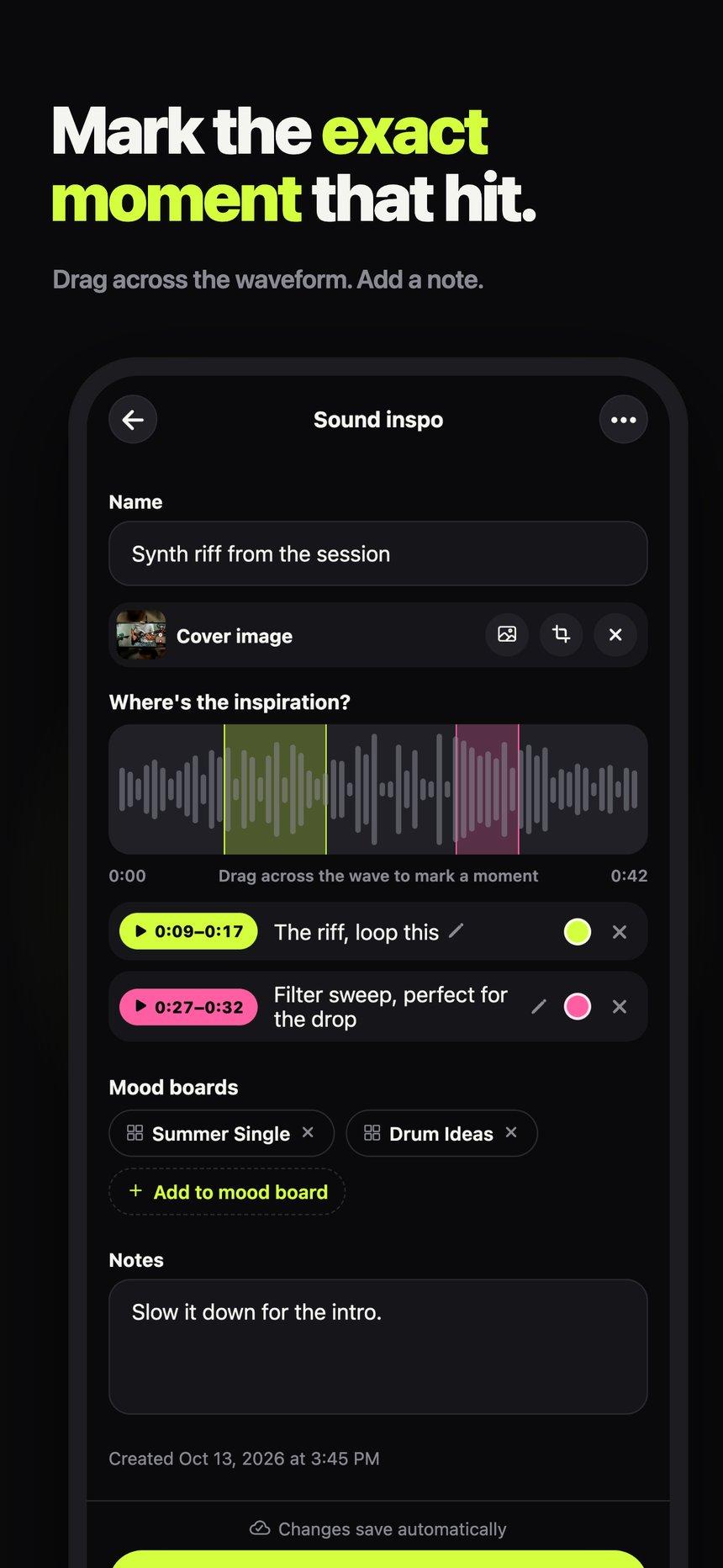
Drag across the waveform to mark the seconds that matter and leave yourself a note. Pin the exact second of a SoundCloud or YouTube track. Each moment gets its own color, and next time one tap plays just that part.
Library
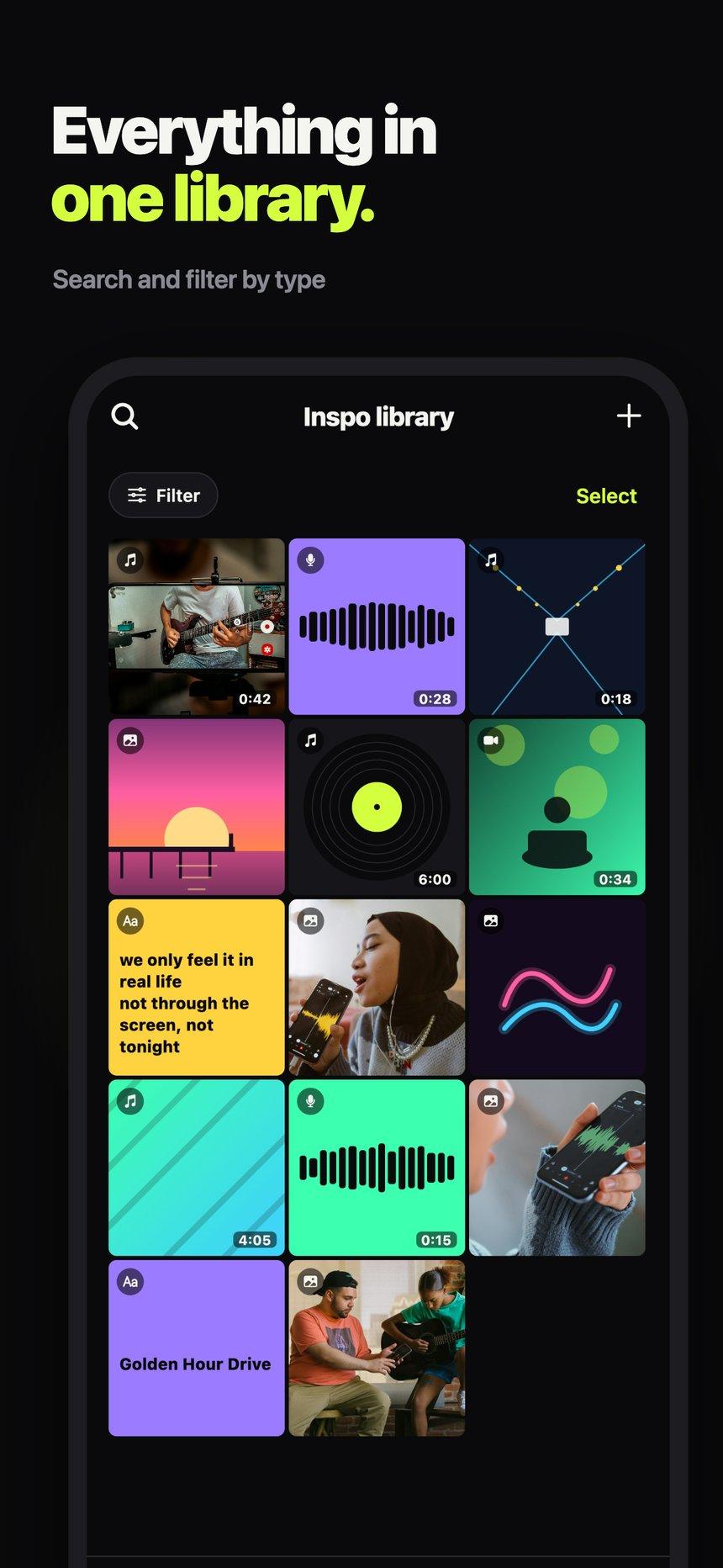
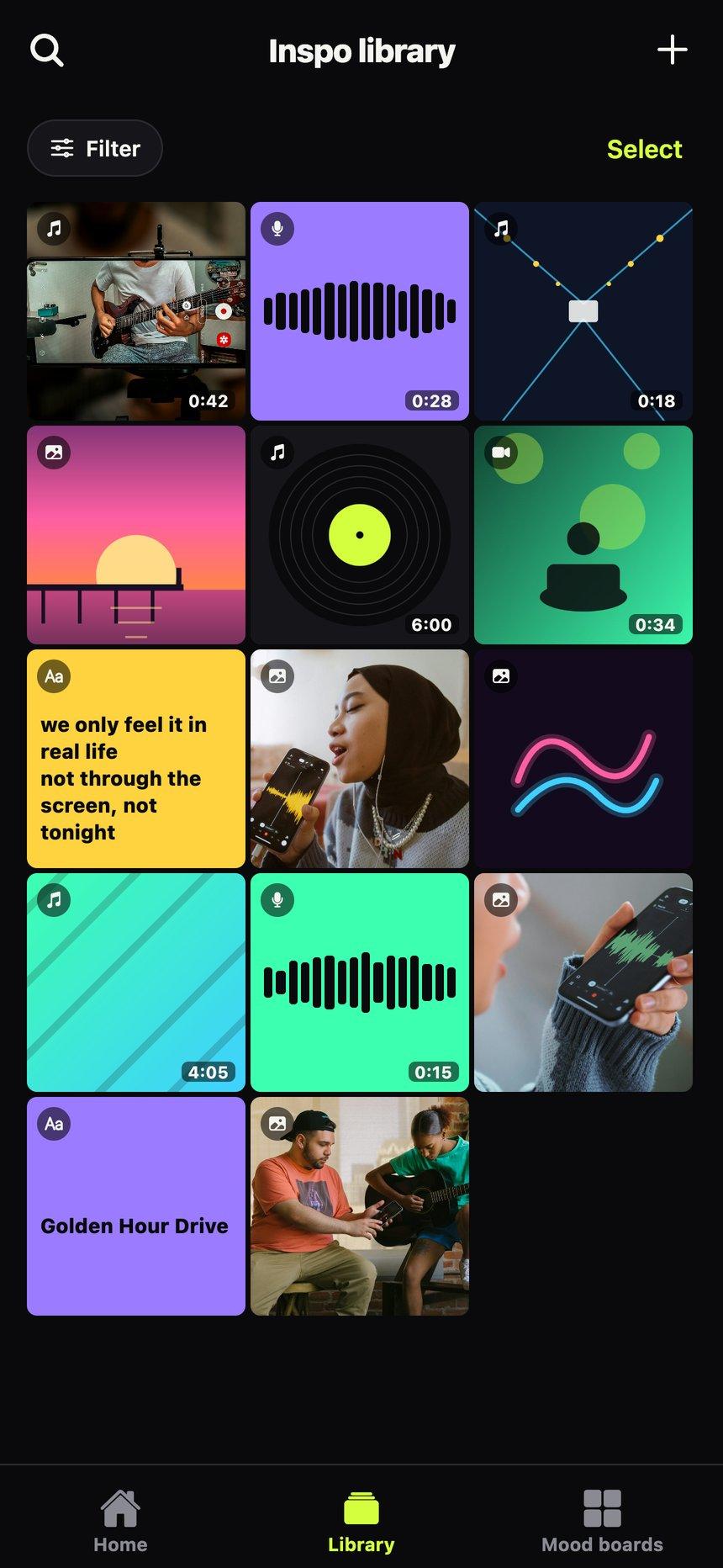
Everything in one place.
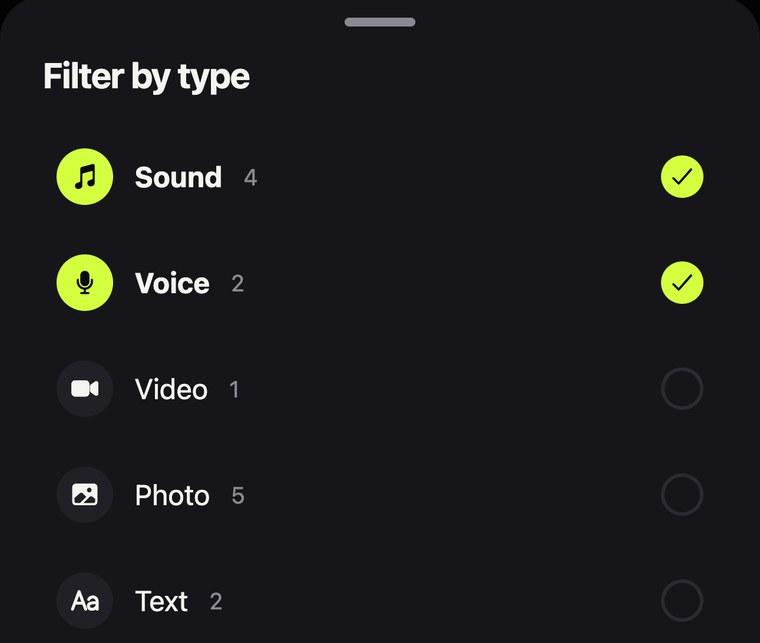
Every inspo lands in your Library, newest first. Search titles, notes, lyrics, links and the places you caught them, or filter by type. Every idea ready when you are.
Mood boards
Build the world of the song.
Make a board for a song, an album, a hook, a cover idea or the sound you're chasing. Pin sounds, clips, photos, lyrics and docs side by side so the whole vibe is in one place. One inspo can live on as many boards as you like.
01
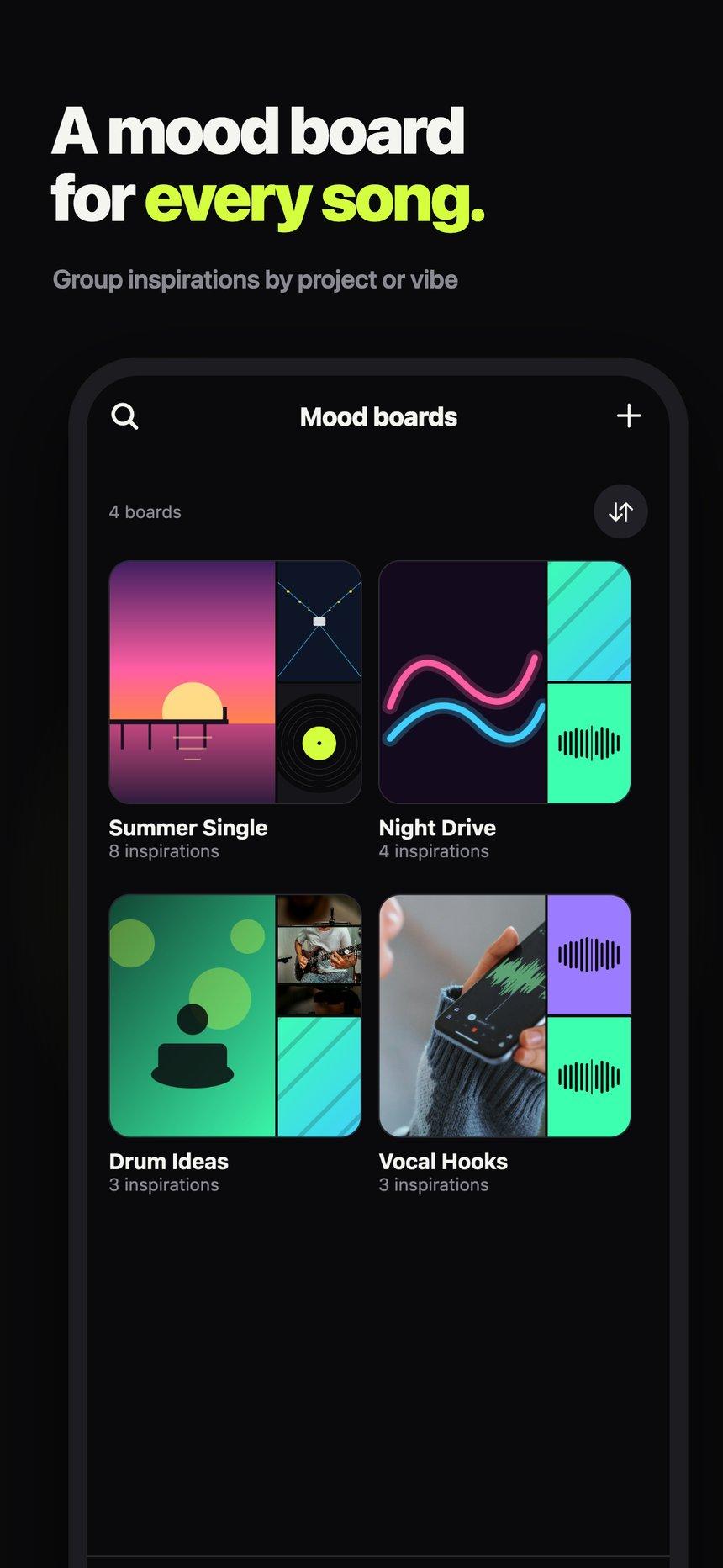
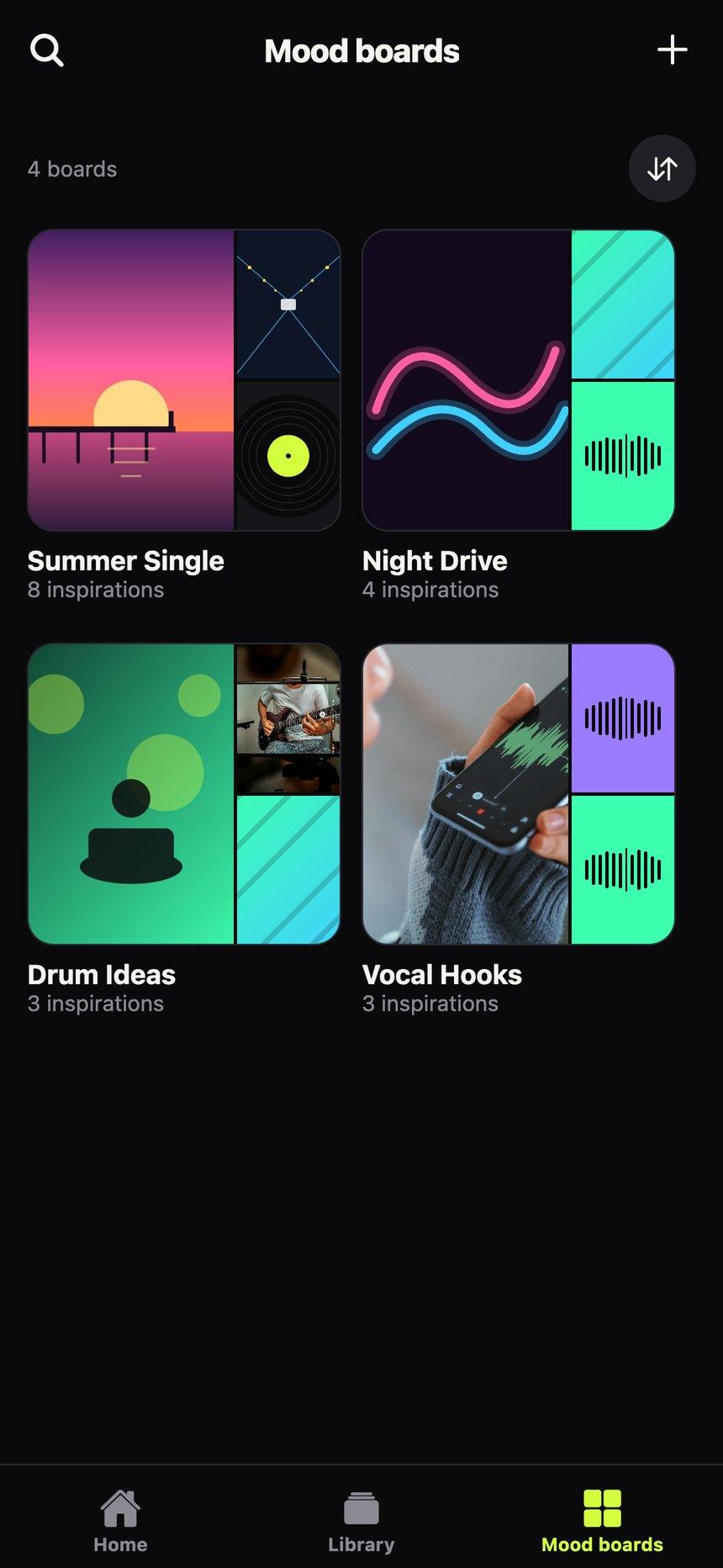
A board for every song
Each board's cover builds itself from what you pin. The ones you saved to last stay on top.
02
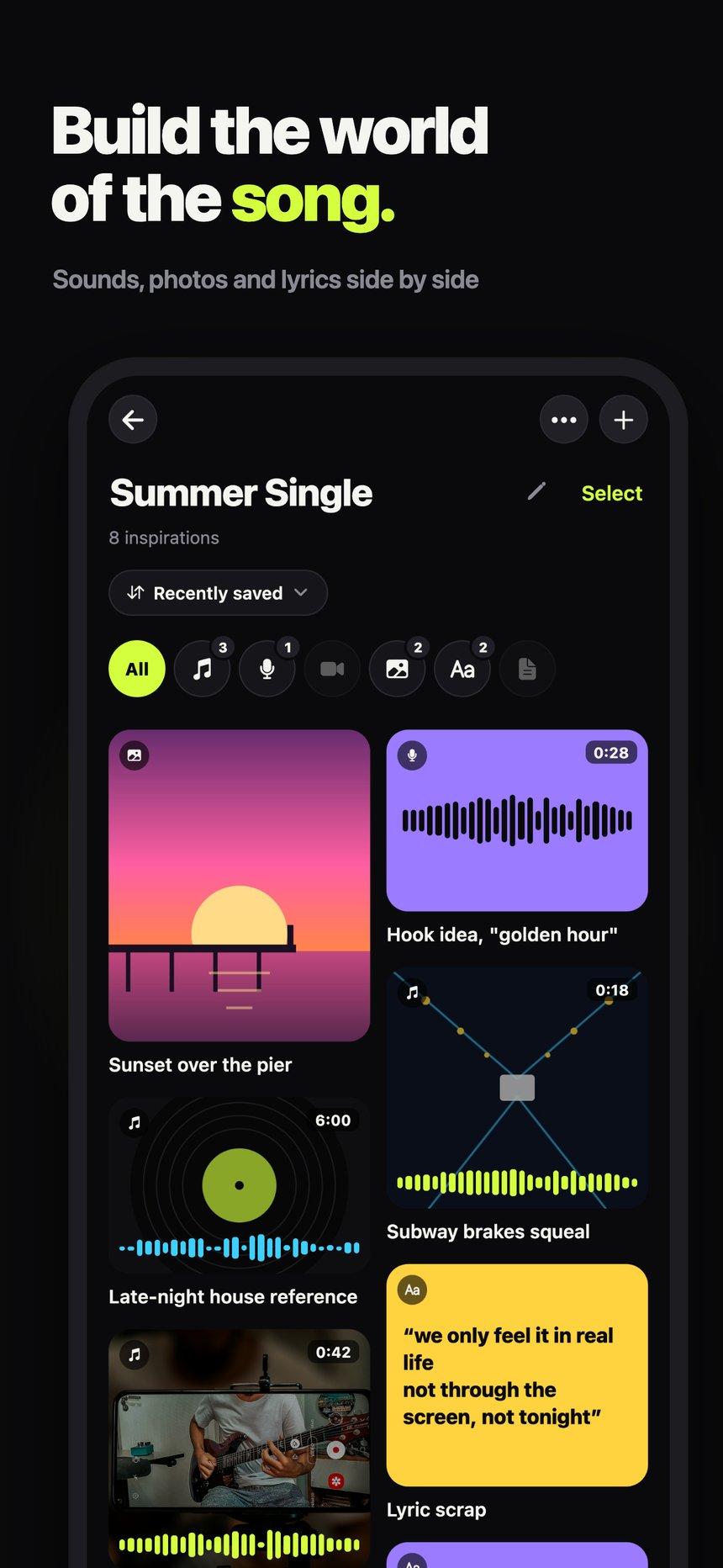
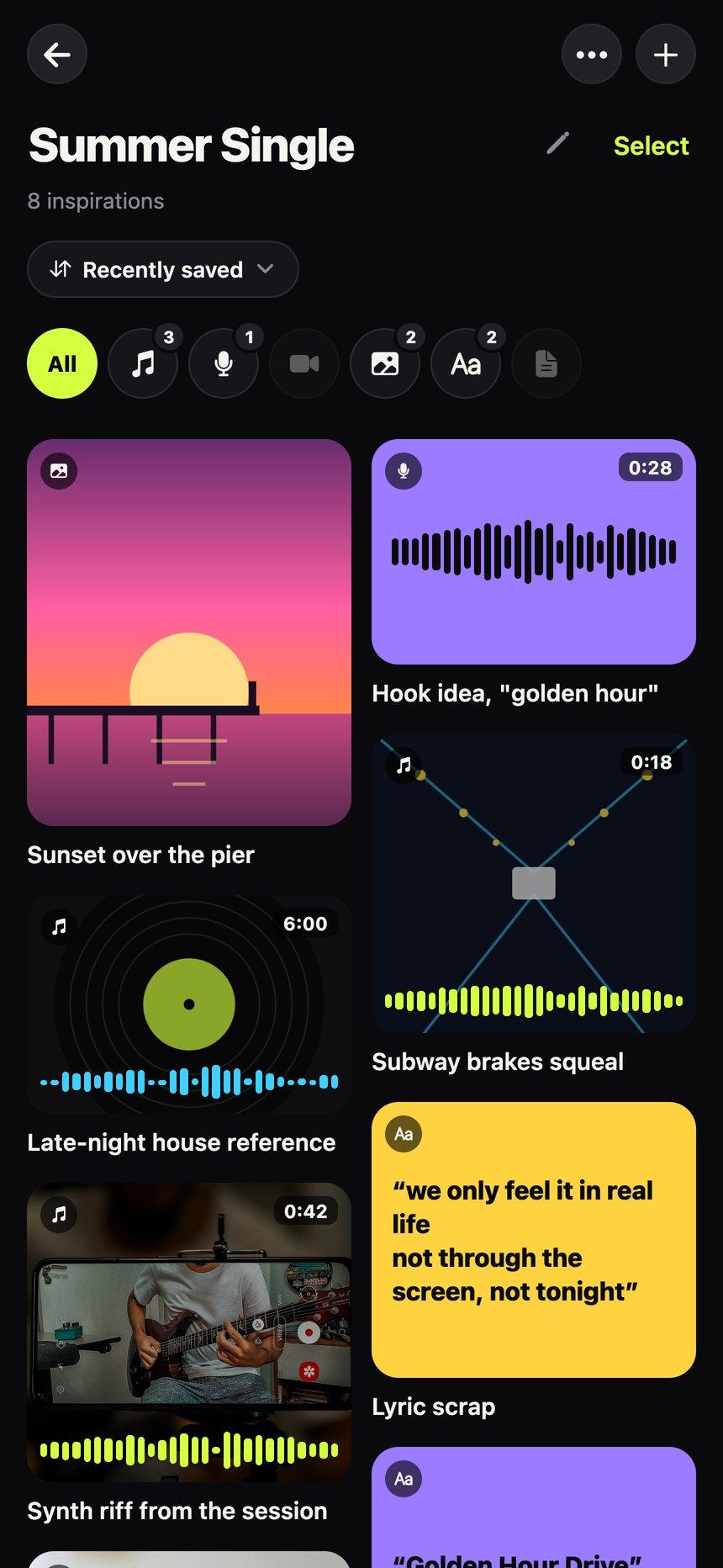
Everything side by side
Sort by recently or oldest saved, and filter the board by type in a tap.
03
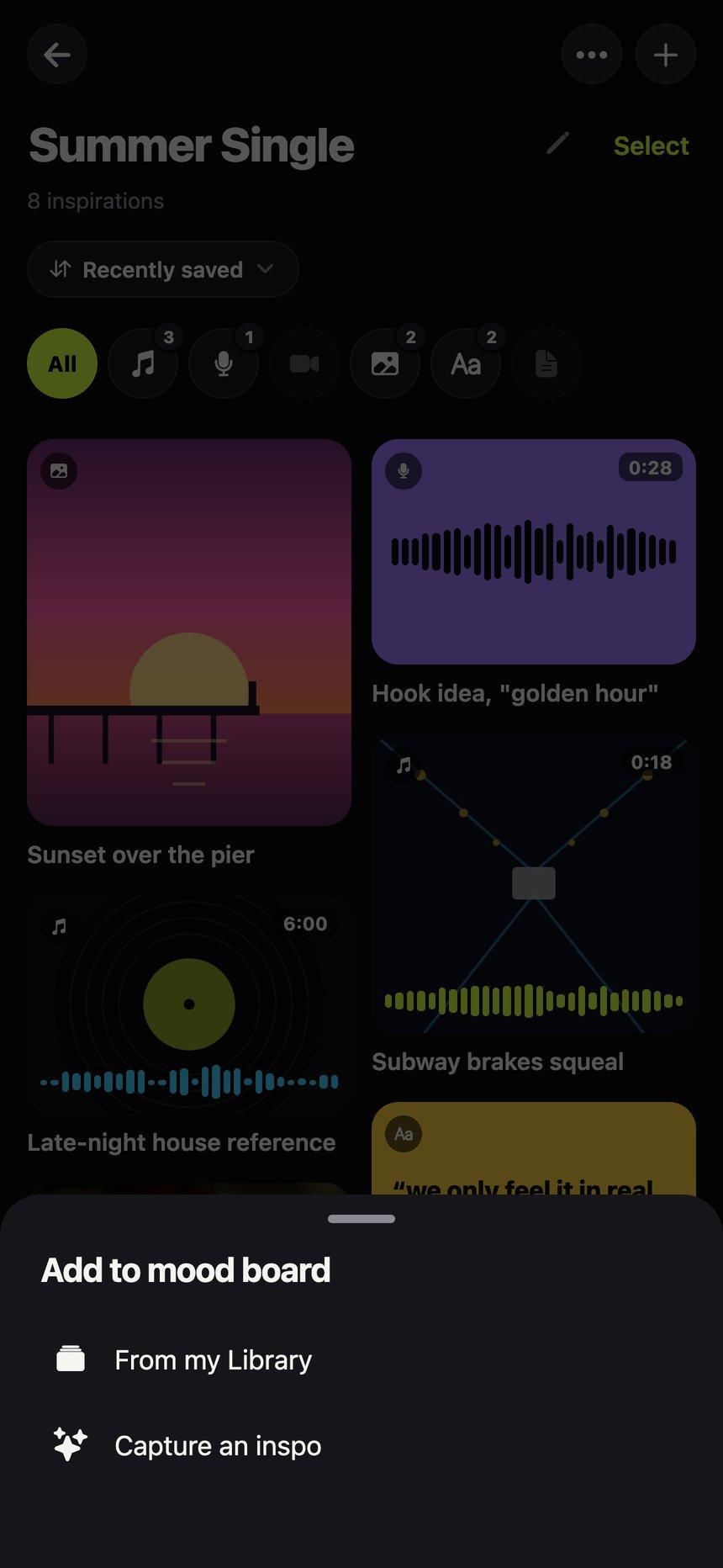
Pin it or catch it here
Add what's already in your Library, or capture something new straight onto the board.
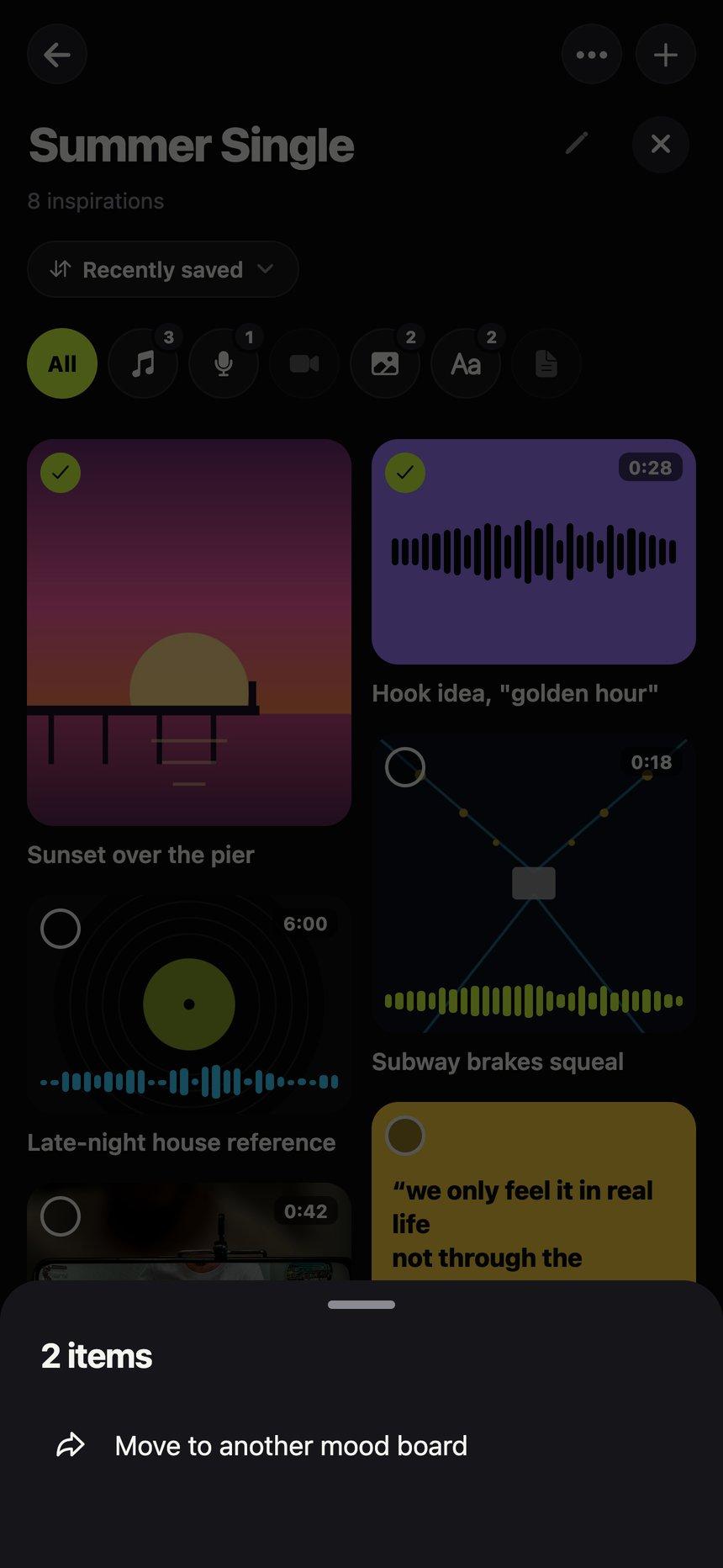
04
Move it
Select a few inspos and move them to another board in one go.
Out now · iPhone and web
Best on
iPhone.
Inspo Box is free on iPhone and on the web, and your inspos sync between them. For catching the world around you, get the iPhone app. Your phone is always on you, so you can record, film and snap the second it hits.
- Musicians
- Producers
- Artists
- Creators
- Recommended
iPhone app
Best for capturing. Record a sound, film a clip or snap a photo on the spot, and it can remember where you caught it.
Download on the App Store - Any computer
Web app
Great at your desk. Upload files, paste track links, sort your Library and build mood boards on a bigger screen.
Open the web app
On the way
And next…
- Soon
See on map
Every inspo remembers where you caught it. See them all on a map and revisit the places that sparked something.
- Soon
Shazam straight to Inspo Box
Hear something great out in the world? Shazam it and the track lands in your box, ready to mark the part you love.
- Soon
Share with friends and build boards together
Send an inspo to a friend, or build a shared board you both add to before the session.
- Soon
Sign in with Google
Use the Google account you already have. No new password to remember.
- Soon
Smart Tags
Automatic BPM, key and mood tags so you can search your inspos like a sample library.
- Soon
Inspo Box on Android
An Android app is on the way too, so Inspo Box comes with you whatever phone you carry.
Stay in the loop
Hear it
first.
New features, big news and what's coming next. Drop your email and you'll know the moment something new lands in the box.
Your next song is
already out there.
Free on iPhone and the web. Get the app to catch it on the go.